After a proposal is won, any jobs associated with the proposal is listed on the jobs screen.
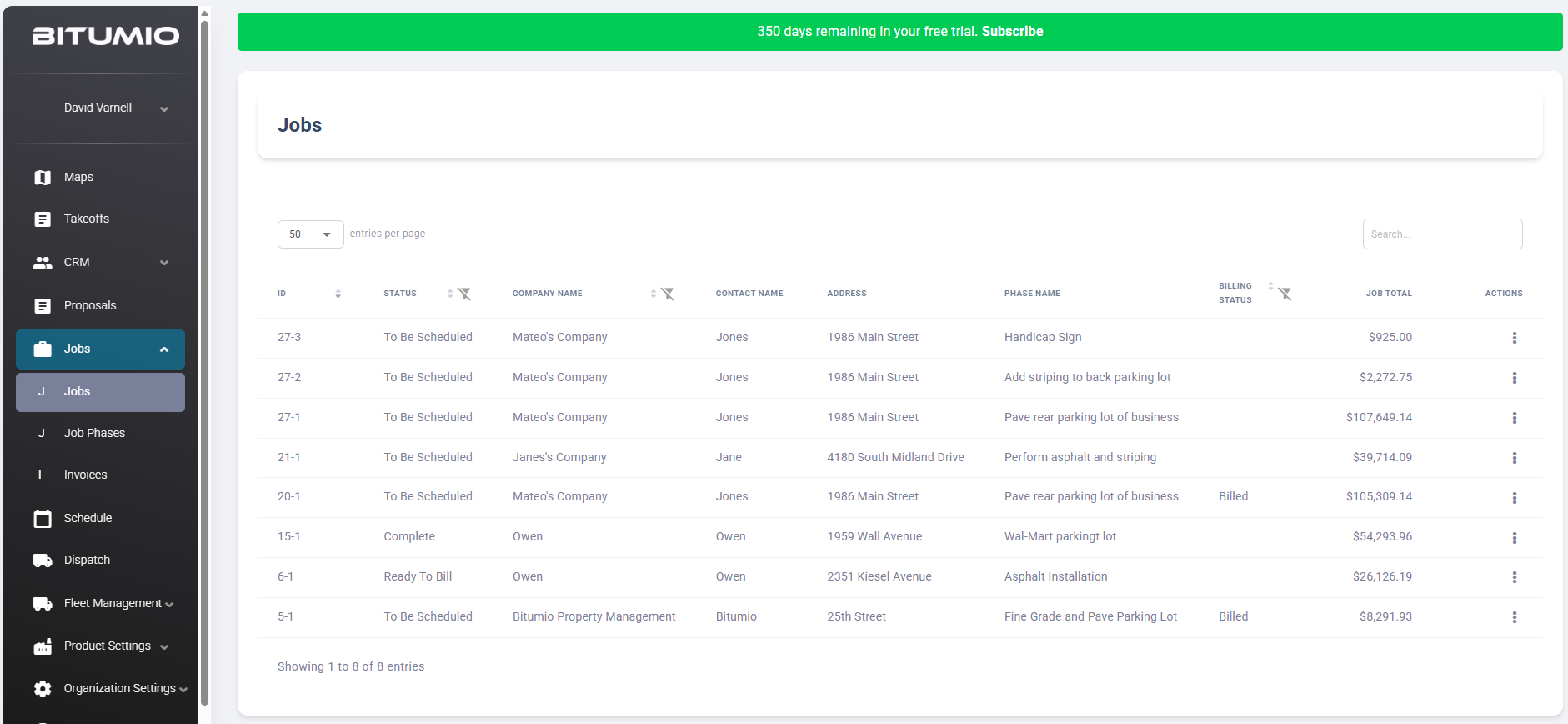
Bitumio > Left Navigation Bar > Jobs > Jobs1. All the existing jobs are displayed for all proposals. Information for each job is tabulated via various columns that include ID, Status, Company Name, Contact Name, Address, Phase Name, Billing Status, Job Total, and Action.
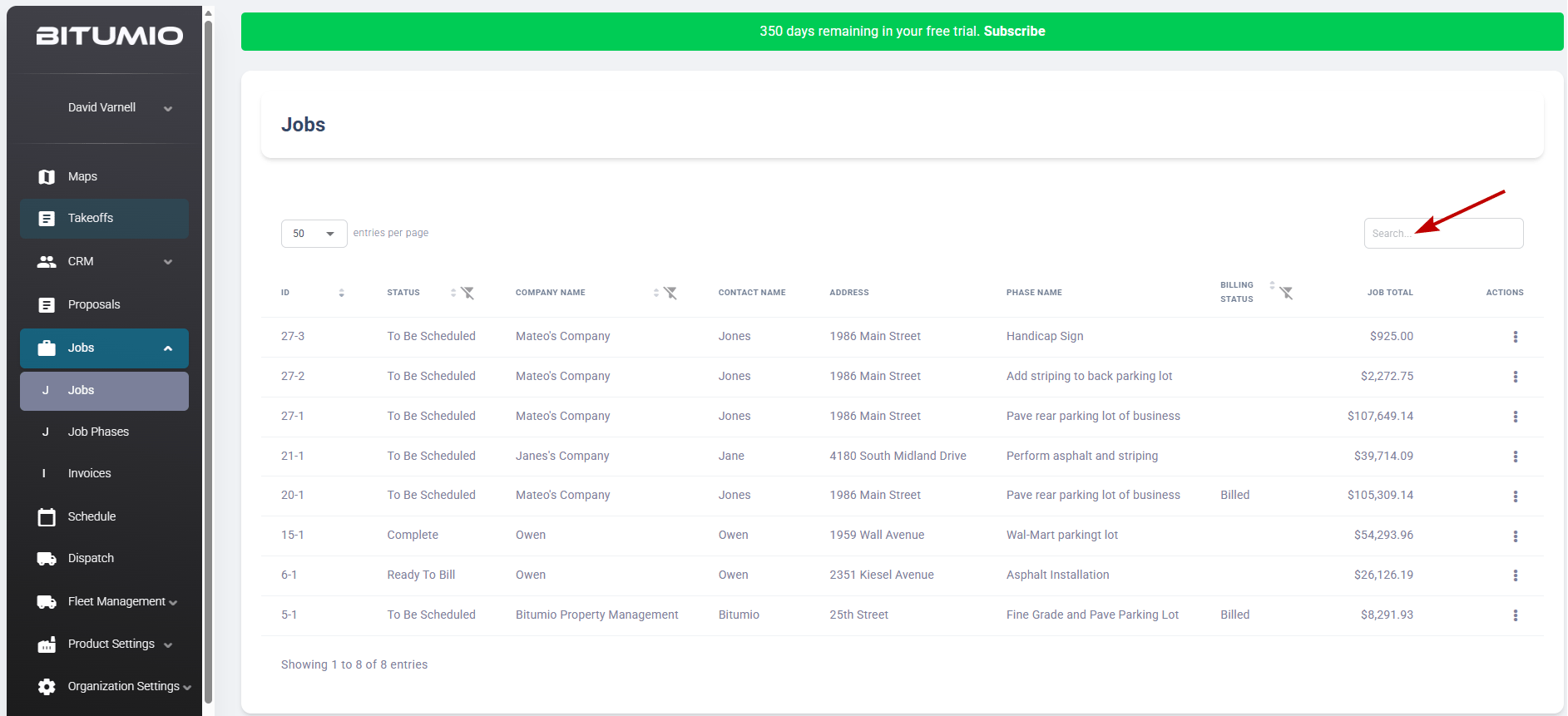
3. You can search for a specific job using the search bar at the top-right corner of the grid.
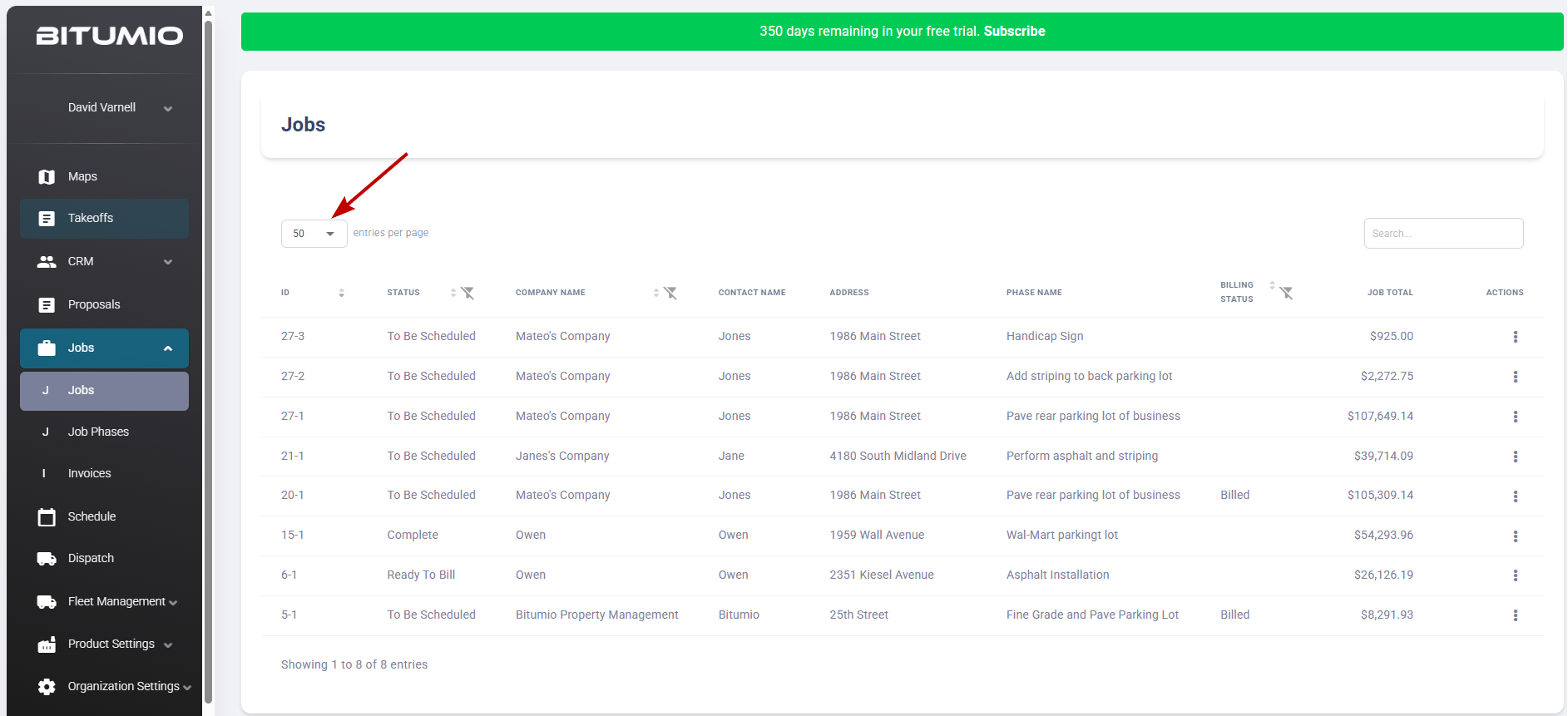
4. By default, 10 records are displayed per page. However, you can use the dropdown at the top-left corner to set it to 25, 50, and 100.
Was this article helpful?
That’s Great!
Thank you for your feedback
Sorry! We couldn't be helpful
Thank you for your feedback
Feedback sent
We appreciate your effort and will try to fix the article