Bitumio > Left Navigation Bar > Organization Settings > Project Files1. Follow the above-mentioned workflow to land on the Project Files screen.
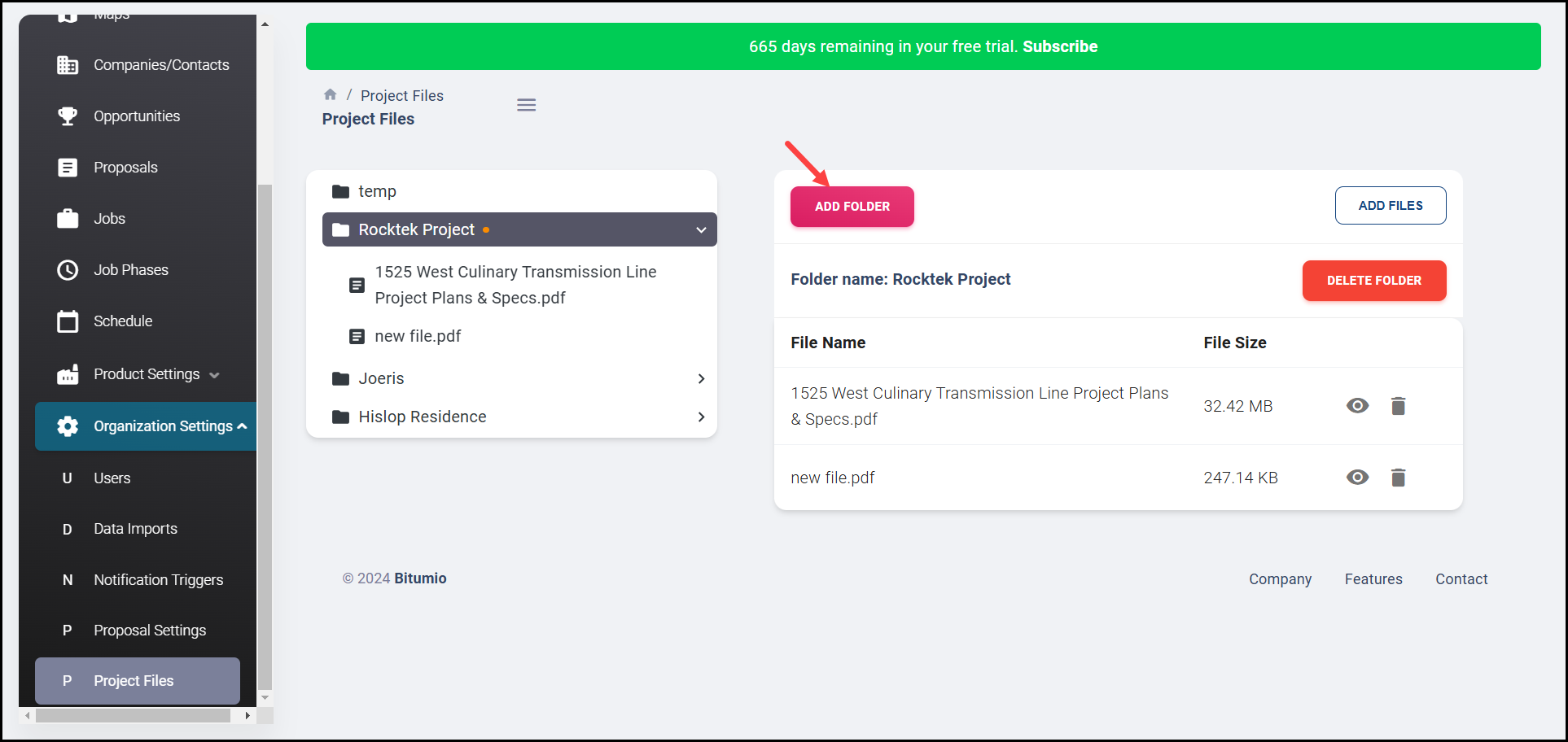
2. To create a new folder, click the  button. This reveals the Folder Name field.
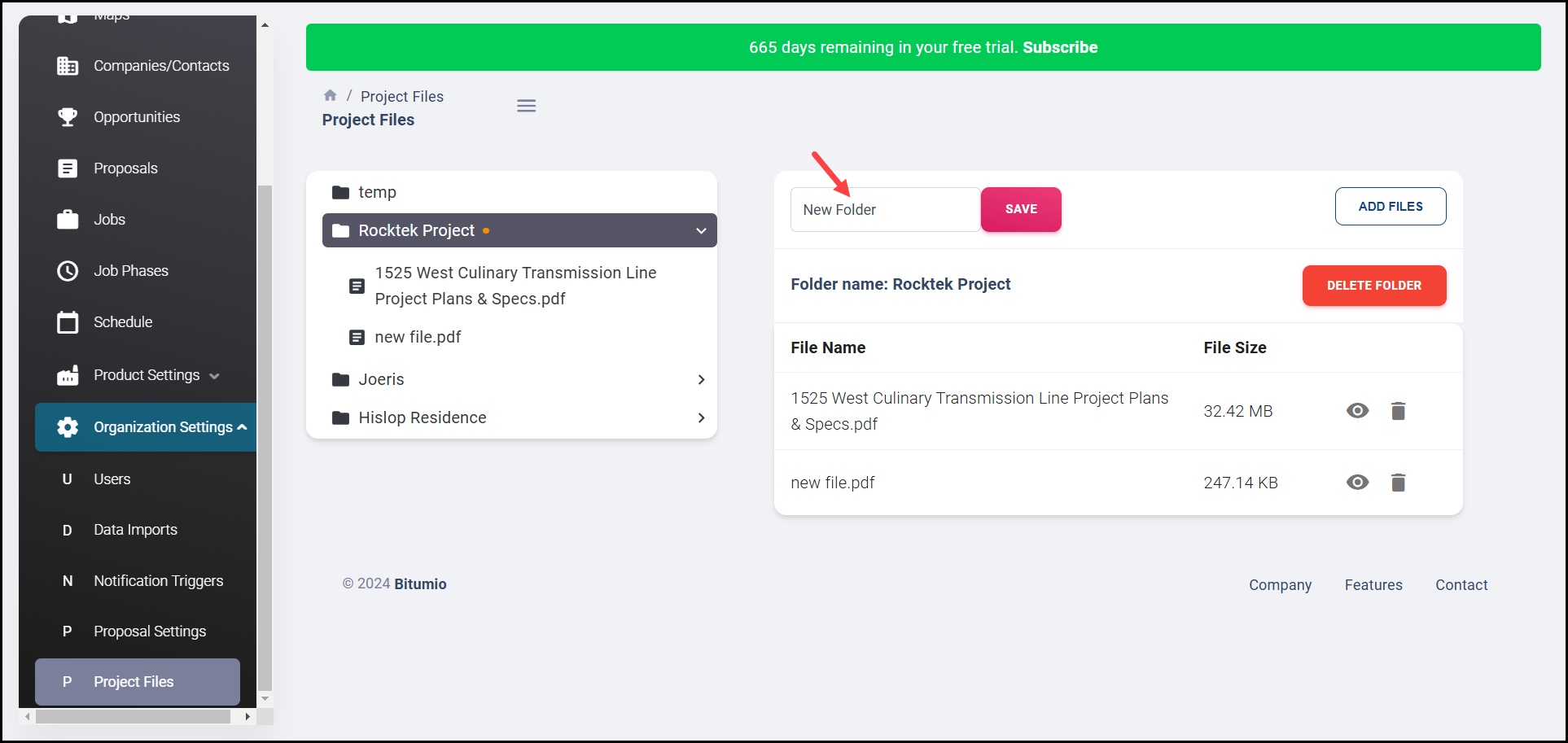
3. Enter the name of the folder in the Folder name field.
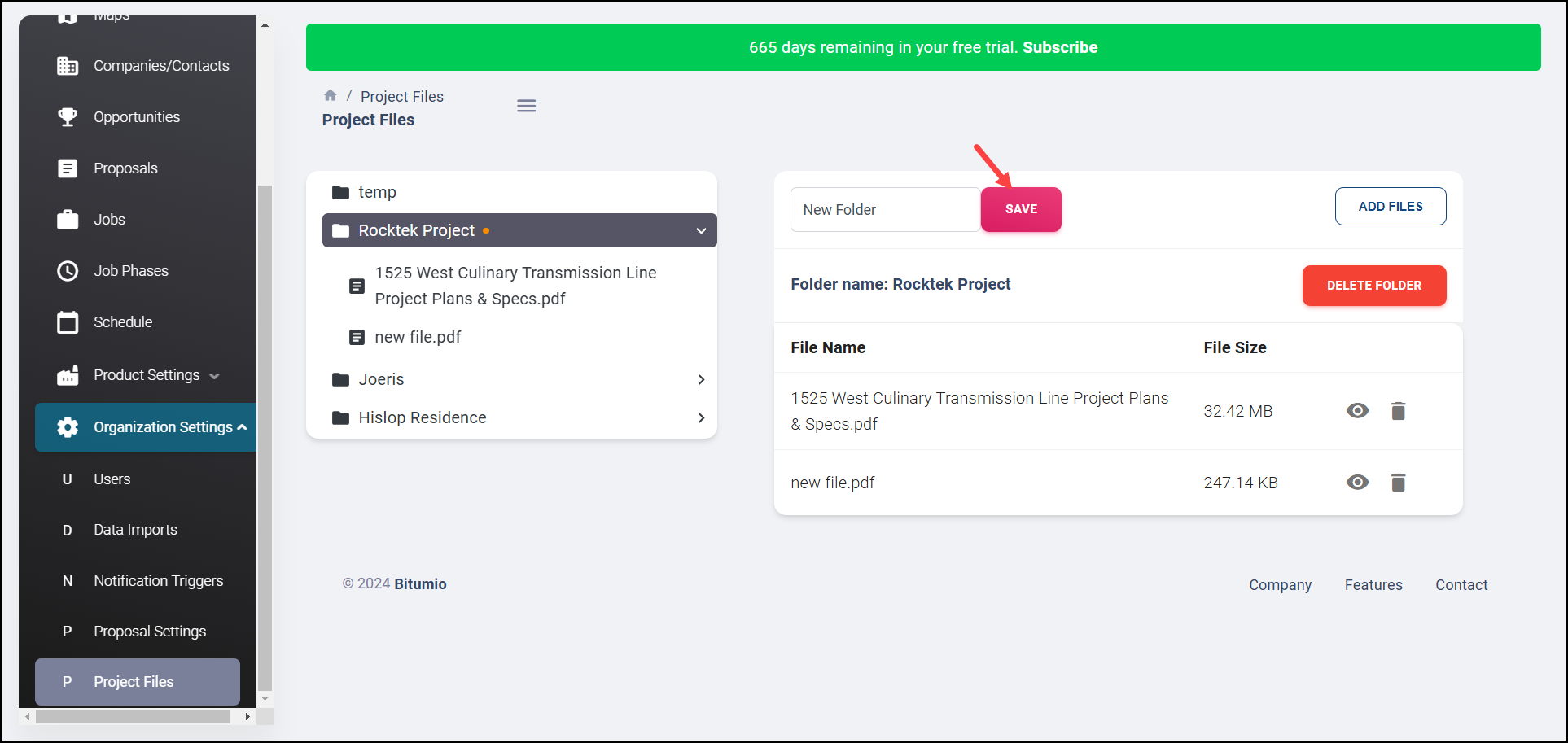
4. Once entered, click the  button.
Was this article helpful?
That’s Great!
Thank you for your feedback
Sorry! We couldn't be helpful
Thank you for your feedback
Feedback sent
We appreciate your effort and will try to fix the article