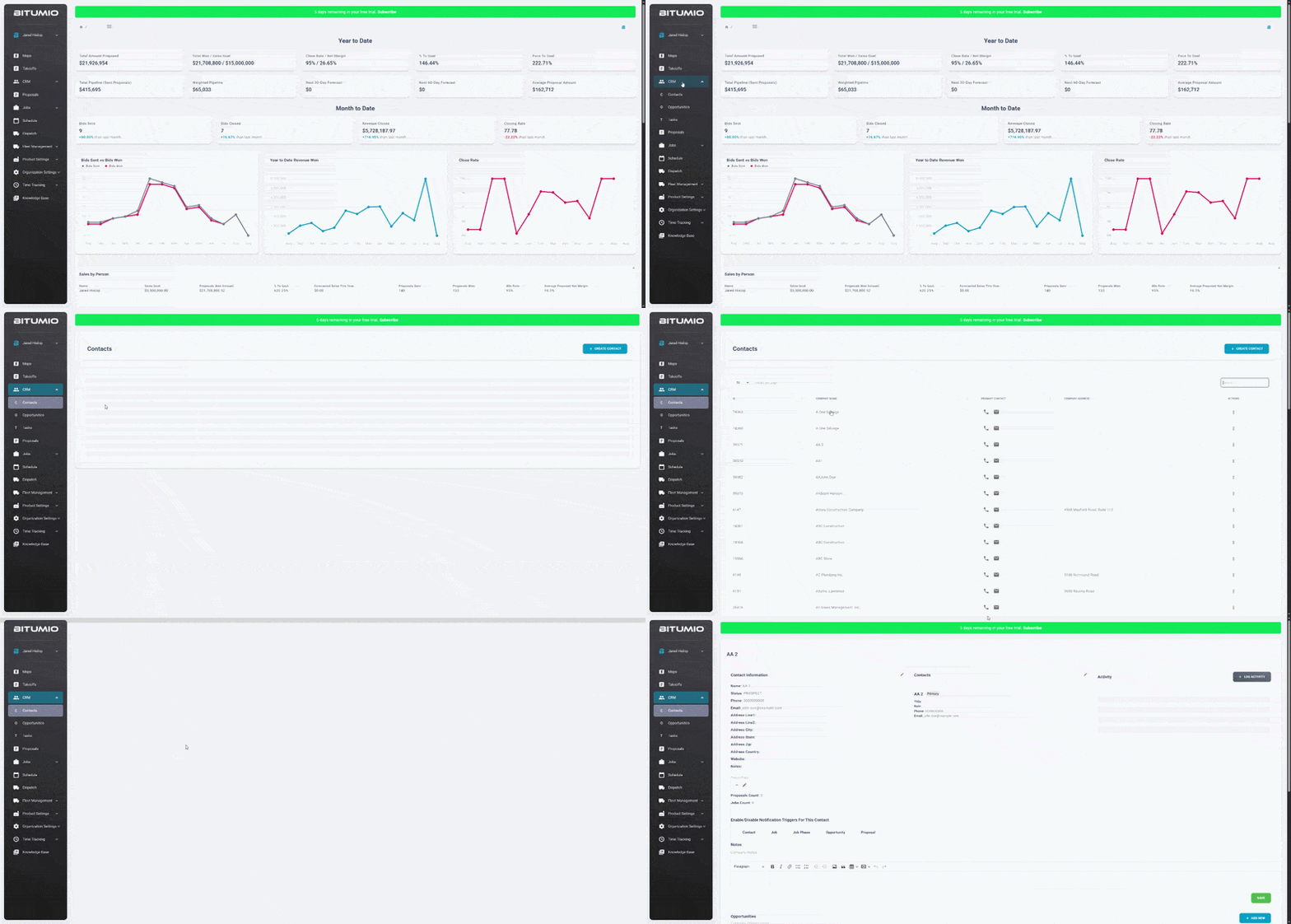
Bitumio > Left Navigation Bar > CRM > Contacts1. Follow the workflow mentioned above to land on the Contacts screen.
2. Click a contact name from the grid matching the details for which you want to view. This takes you to the contact details.
Was this article helpful?
That’s Great!
Thank you for your feedback
Sorry! We couldn't be helpful
Thank you for your feedback
Feedback sent
We appreciate your effort and will try to fix the article